
The Broken Pages report surfaces 404 (page-not-found) errors your visitors hit — so you can fix dead links and bad redirects. Open it from Behaviour → Broken Pages.
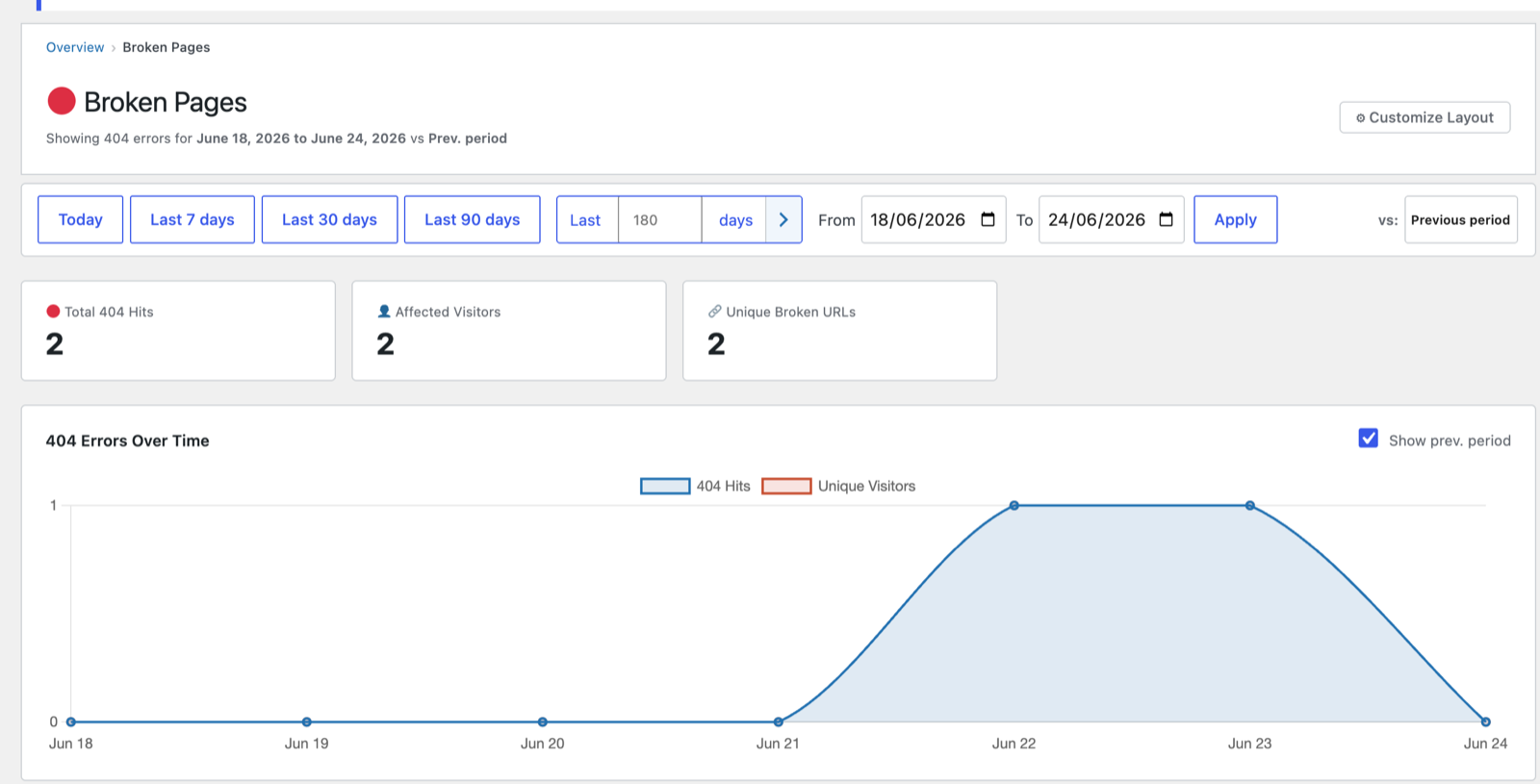
Headline cards
- Total 404 Hits — how many not-found pages were served.
- Affected Visitors — how many people hit them.
- Unique Broken URLs — the number of distinct dead URLs.
A clean report (all zeros, as shown) means no broken pages were hit in the period — good news.
The table
When 404s occur, a table lists each broken URL with its hit count, affected visitors, and (where available) the referrer that linked to it — so you can tell whether the bad link is on your own site or an external one pointing at you.
How 404 tracking works
*404 tracking fires automatically from WordPress 404 template pages. Make sure
your theme extends the standard WordPress template hierarchy.*
No setup is required for standard themes.
Tips
- A broken URL with a referrer from your own site means an internal link needs fixing.
- A broken URL with external referrers or search traffic is a candidate for a 301 redirect to the closest live page — you’ll recover that traffic.
Next: Core Web Vitals →
Screenshots are illustrative — see the note on the documentation index.