
The Geography screen shows where in the world your visitors are. Open it from Audience → Geography.
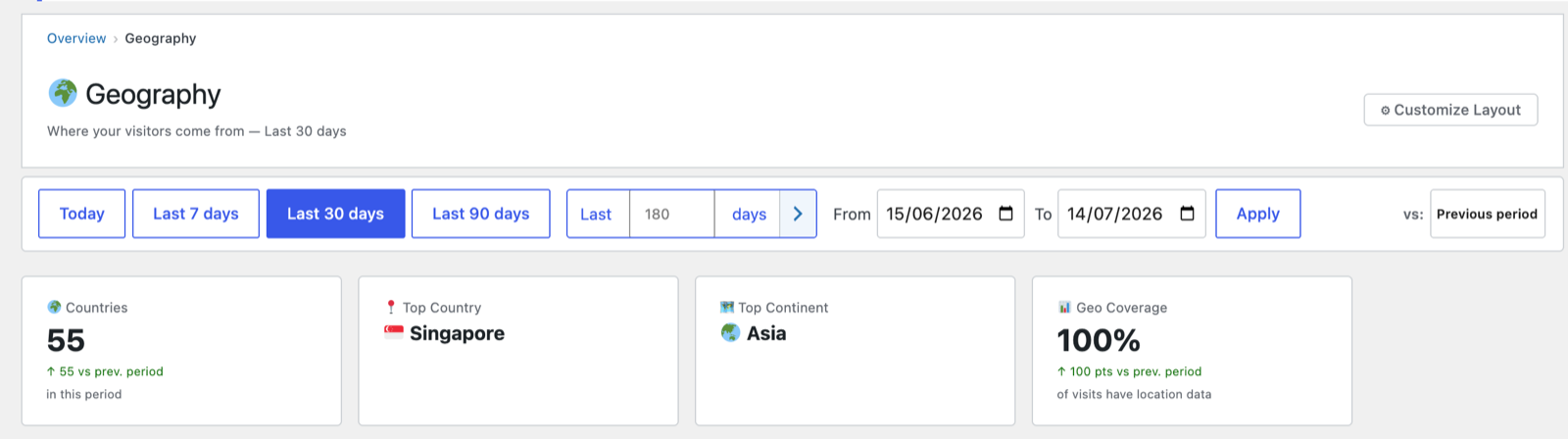
Headline cards
- Countries — how many distinct countries you reached in the period.
- Top Country and Top Continent — your single biggest sources.
- Geo Coverage — the share of visits that resolved to a location, plus the count that couldn’t be resolved. Coverage depends on your geo source (see below).
Visitor World Map
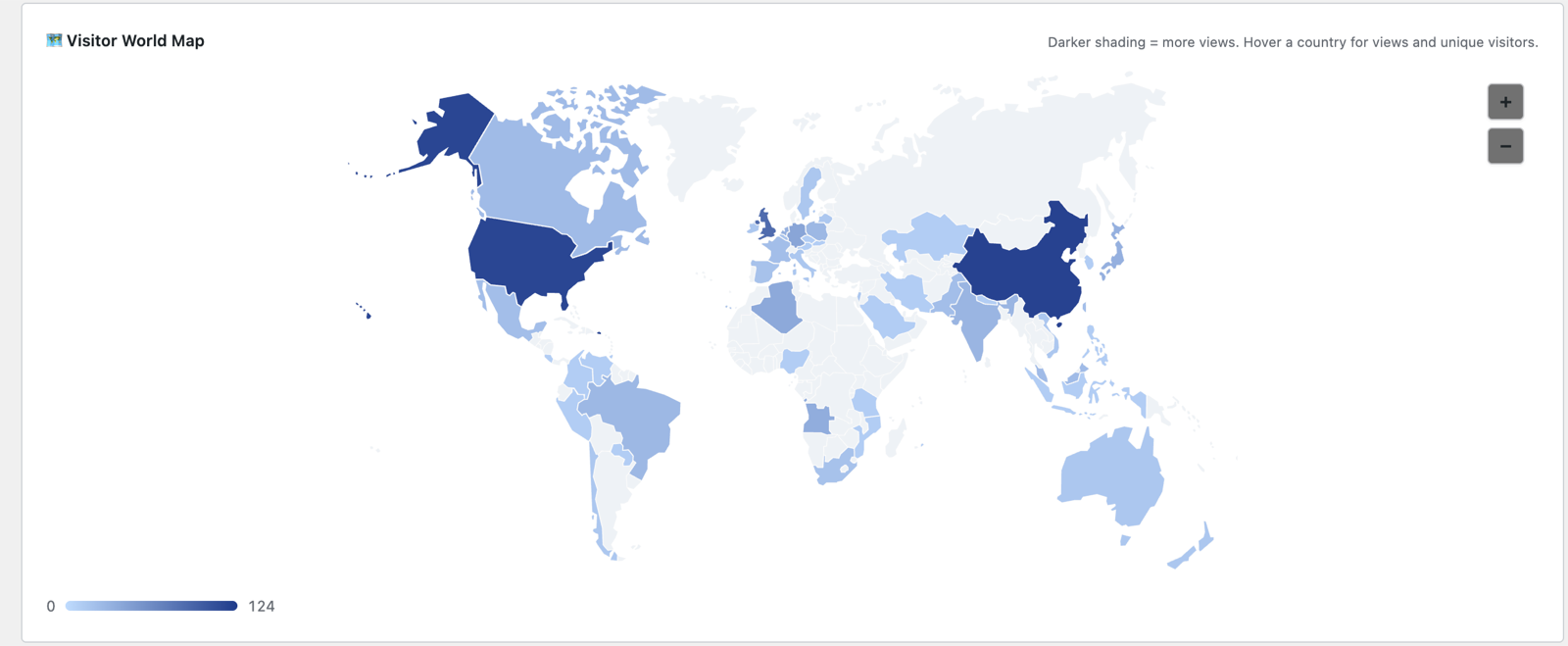
A shaded world map — darker countries = more views. Hover any country for its views and unique visitors, and use + / − to zoom.
Breakdown tables
Below the map, tables list your top countries, regions/subdivisions and cities, each with views, visitors, sessions and average session duration. Sort by any column.
Each row ends with a Visits → button that opens the Visits Log filtered to that location — so “what are my German visitors actually reading?” is one click, and the breadcrumb brings you back.
How location is detected
PAJ resolves each visit’s location from a single source, in order of preference:
- Cloudflare — when your Cloudflare plan supplies city-level headers (country and city, real-time, no setup).
- A local database — MaxMind GeoLite2 City if you’ve supplied it, otherwise DB-IP Lite (free, no account or API key required).
- Cloudflare country-only — on the free Cloudflare plan with no local database, the country is still recorded; no city is claimed.
Country and city always come from the same lookup — never one source’s country with another source’s city — so a visit can never display a city that contradicts its country flag. (Geo databases genuinely disagree about VPN and datacenter IPs, which is why mixing sources is unsafe.)
If no source is active, location stays unresolved (which is why Geo Coverage may be below 100%). Configure this under Settings & Privacy → Geography.
A privacy note
City-level detection is more identifying than country-only. On a low-traffic site, a city plus a timestamp can make an individual visitor recognisable, so PAJ treats analytics as pseudonymous, not anonymous, and lets you dial geography back to country-only if you prefer. See Understanding your metrics.
Next: Devices →
Screenshots are illustrative — see the note on the documentation index.